Position Indicator Placement After an Insert or Overwrite Edit
If you perform an insert or overwrite edit, the position indicator (playhead) moves to the first frame of the next segment. This feature lets you make a series of quick edits without losing the final frame of the edited segment and without the need to switch from Asset mode to Output mode.
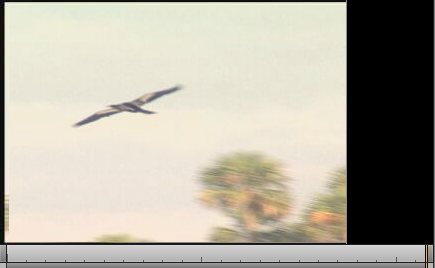
If the edited segment is the last segment in the sequence, the position indicator is set on an empty frame. This final frame is shown by black on the right side of the Media viewer. The only other way to access this frame is by clicking the Next Frame button or pressing the right arrow key when the position indicator is at the end of the last segment in a sequence.