Audio-Only Basic Sequences (Interplay | MAM)
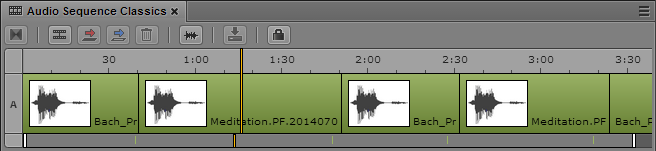
You can create and save an audio-only basic sequence in the Interplay MAM database. An audio-only basic sequence is a basic sequence without video track, but with one audio track.
When you create the audio-only basic sequence, a preselection offers the standard sample rates of 32kHz, 44.1 kHz, 48 kHz, 96 kHz, and 192kHz. In addition to these, you can define other sample rates (label “custom”) by entering a number greater than 0. For more information, see
Creating an Interplay | MAM Sequence.
Note the following:
• The sample rate is not evaluated and therefore you can create audio-only basic sequences with mixed sample rates.
• You can add segments only from an audio asset to an audio-only basic sequence.
• You have the same editing options as for basic sequences with one video and audio track: trim, split, overwrite, replace, and delete.
• You can also open and edit audio-only basic sequences in Interplay MAM Desktop.