Ways of Saving Stories
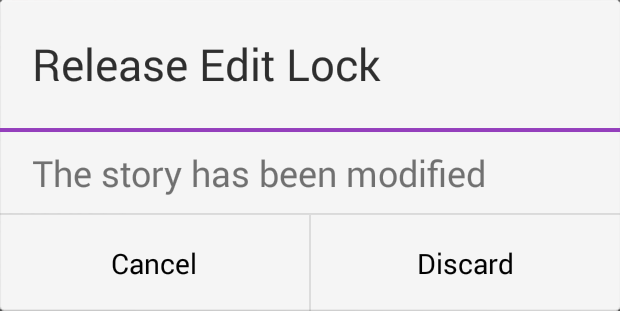
You can save newly created stories or change existing stories by tapping the Save Story button after modifying a story while in edit mode. You can also save your story when you change to another app or send the MediaCentral mobile application to the background by pressing the Home button. If you tap the Back button when you have turned off the Autosave Stories option in the settings, a message appears asking you to confirm whether to save the changes. You can choose to save the story or exit edit mode without saving your changes.
If you enable Autosave Stories in the MediaCentral UX Settings, you can save newly created stories or change existing stories in multiple ways:
• The application automatically saves a modified story when you tap the Save Story button.
• The application automatically saves a modified story when you change to another app or send the MediaCentral mobile application to the background by pressing the Home button.