Active Panes
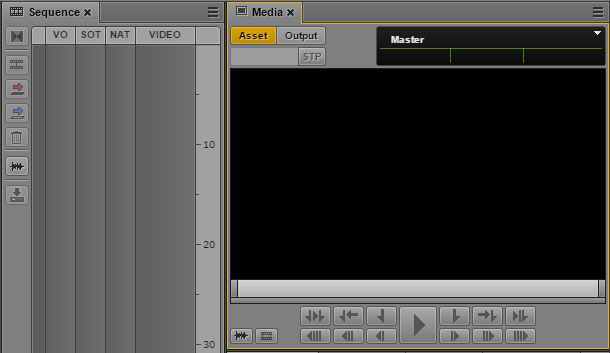
An active pane (the pane with user focus) is outlined in orange.This feature helps you to know which keyboard shortcuts are available, because some shortcuts are available only if a pane has focus. For example, pressing the space bar controls playback only when the Media pane has focus. The following illustration shows the Media pane outlined in orange to indicate focus.
Some panes have global shortcuts that work if another pane has focus. For example, Ctrl+space bar controls playback when the Logging pane has focus. For more information, see
Keyboard Shortcuts.